


WordPress Plugin
AI SEO Pilot
Optimize your WordPress site for AI search engines like ChatGPT, Perplexity, Claude, and Gemini. Implement AEO best practices with llms.txt, Schema.org JSON-LD, content analysis, AI bot tracking, and AI-optimized sitemaps.
What is AI SEO Pilot?
AI SEO Pilot is the first WordPress plugin designed specifically for AI Engine Optimization (AEO). While traditional SEO focuses on Google rankings, AEO ensures your content is discoverable, citable, and accurately represented by AI assistants like ChatGPT, Perplexity AI, Claude, and Google Gemini.
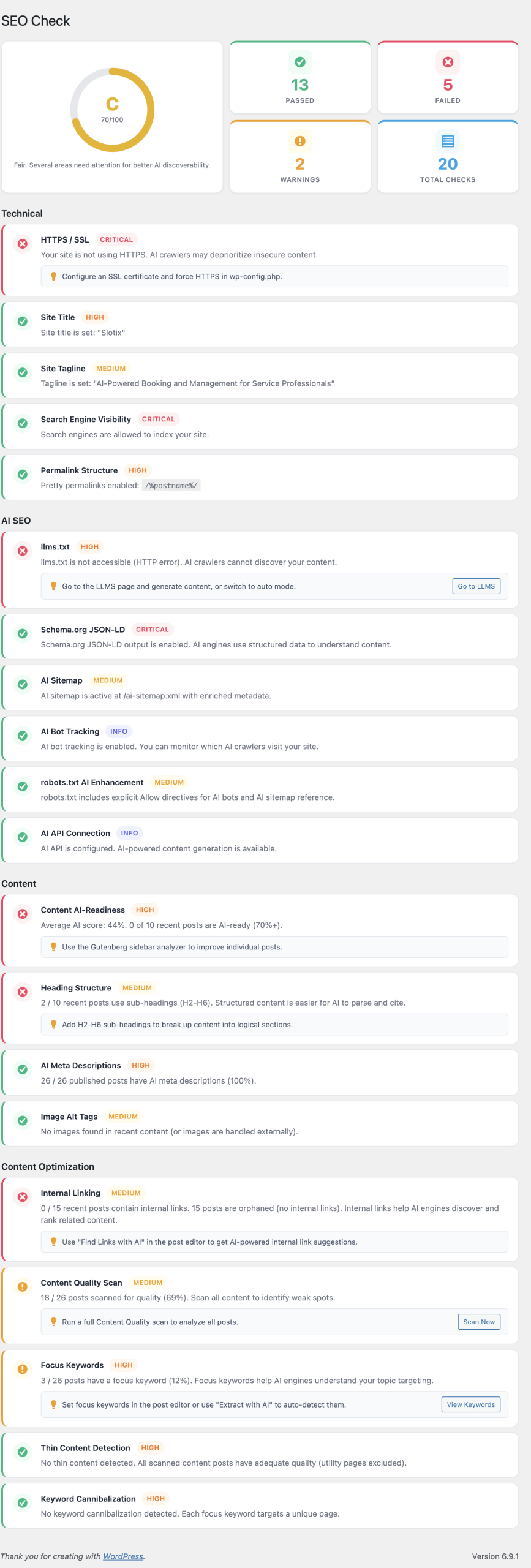
The plugin generates llms.txt files that help AI crawlers understand your site structure, implements Schema.org JSON-LD for rich structured data, analyzes your content for AI-readability, tracks which AI bots visit your site, and manages focus keywords to prevent cannibalization.
What you get:
- llms.txt generation for AI crawler guidance
- Schema.org JSON-LD structured data (Organization, Breadcrumb, WebSite)
- Content quality scoring with 10 configurable checks
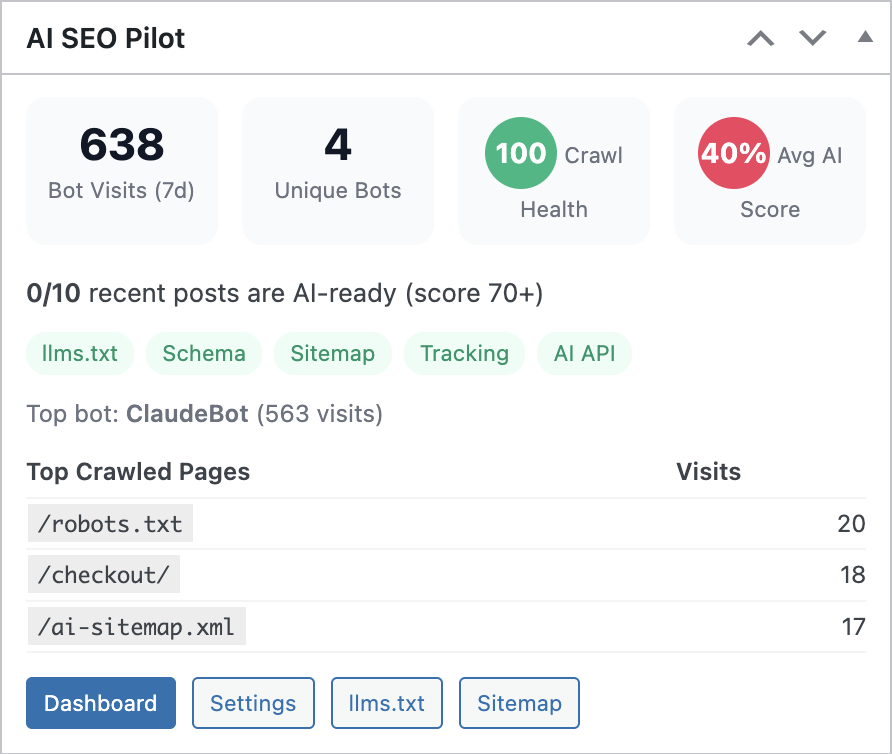
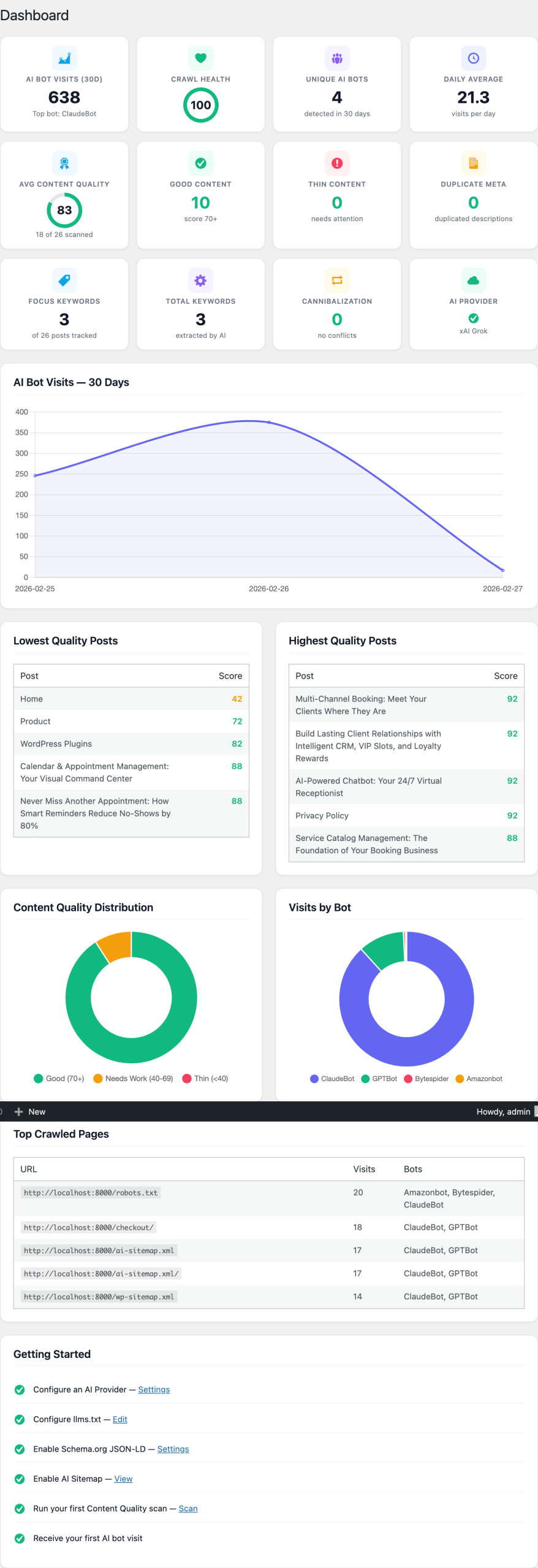
- AI bot visibility tracking with 30-day analytics
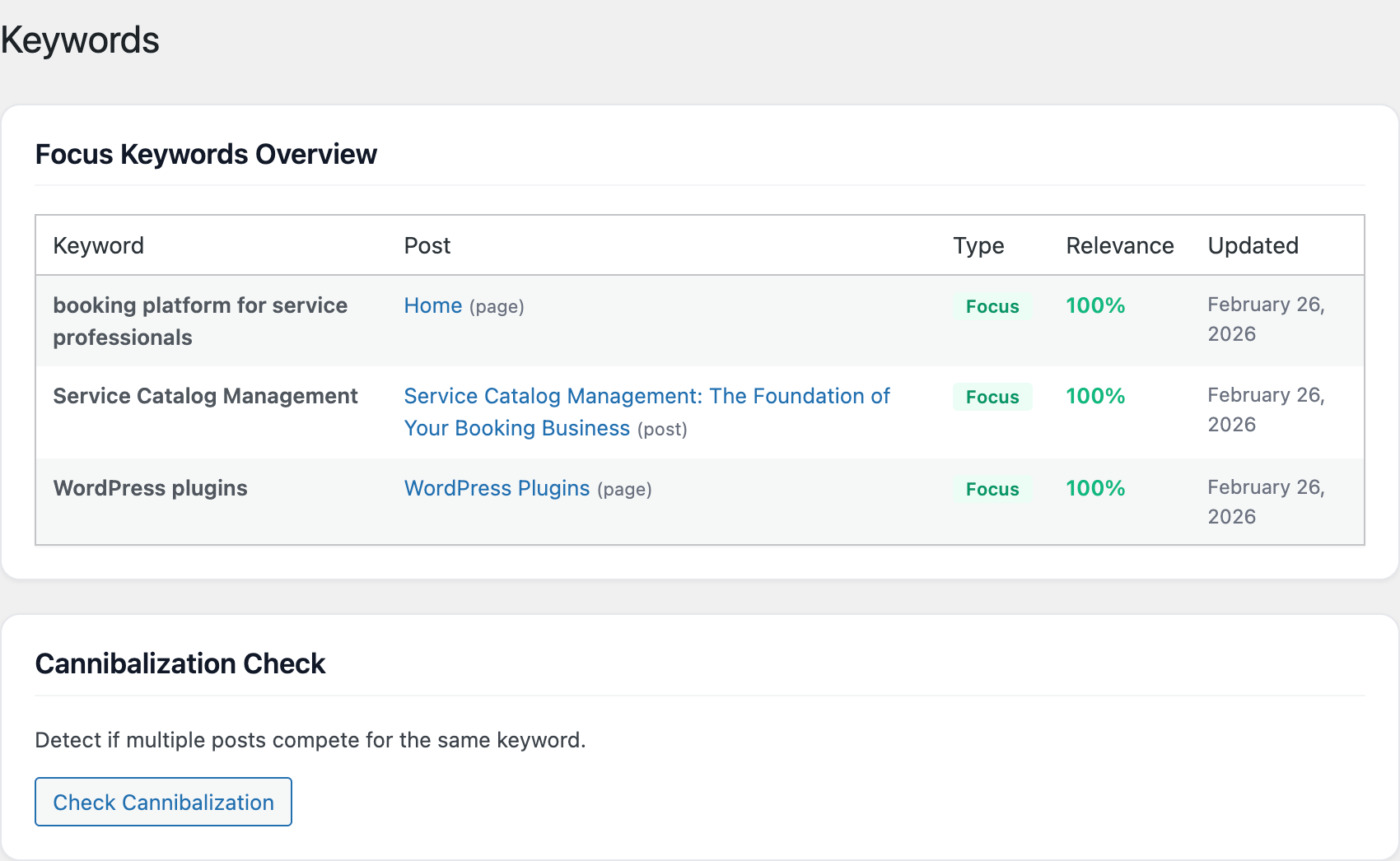
- Focus keyword management with cannibalization detection
- AI-powered content optimization suggestions
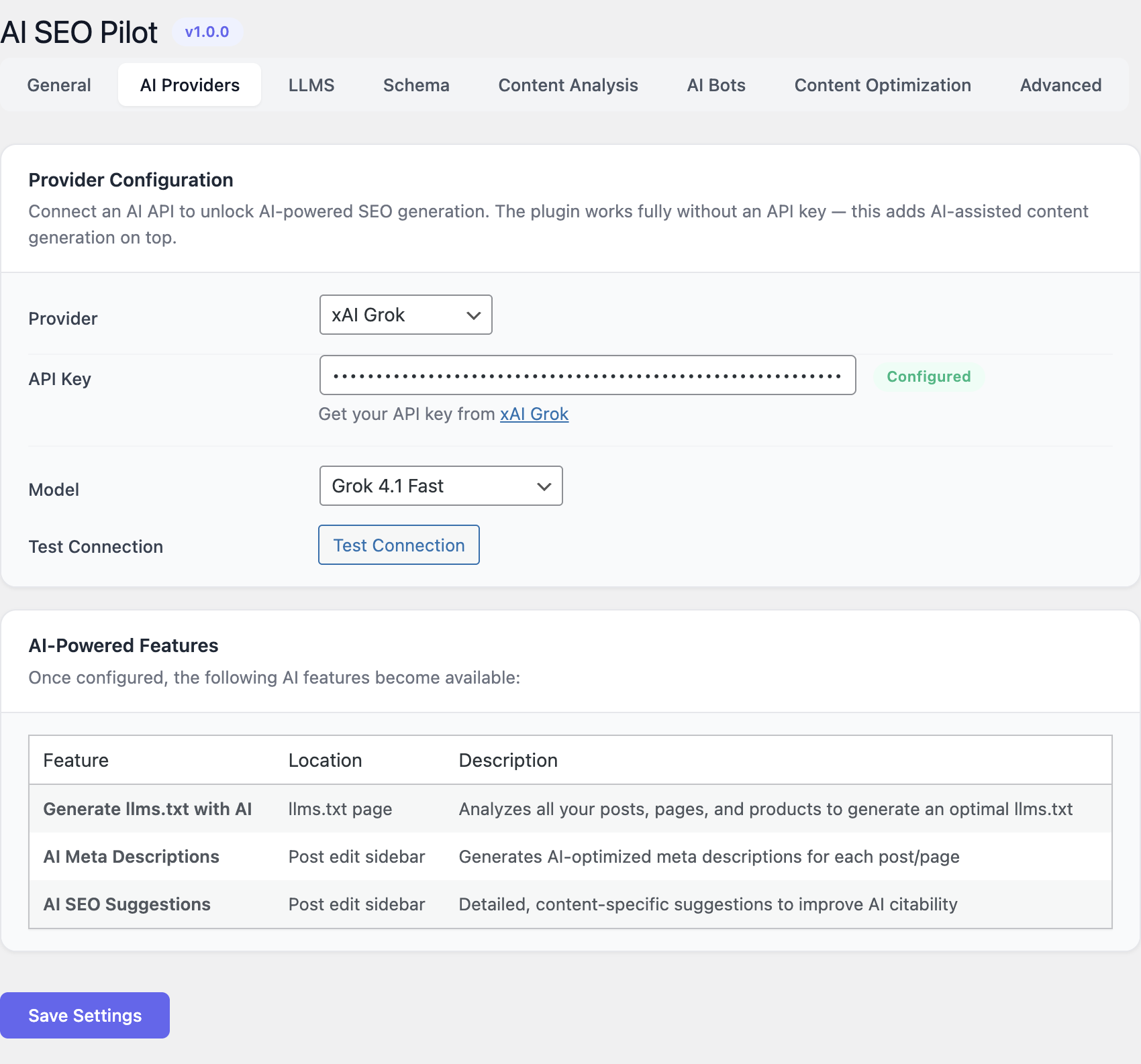
- Multiple AI providers for content analysis: OpenAI, Anthropic, Gemini, DeepSeek, Ollama
Key Features
llms.txt Generation
Generate and maintain a machine-readable llms.txt file that tells AI crawlers about your site structure, important pages, and content organization. Auto-generate or manually craft your llms.txt.
Schema.org JSON-LD
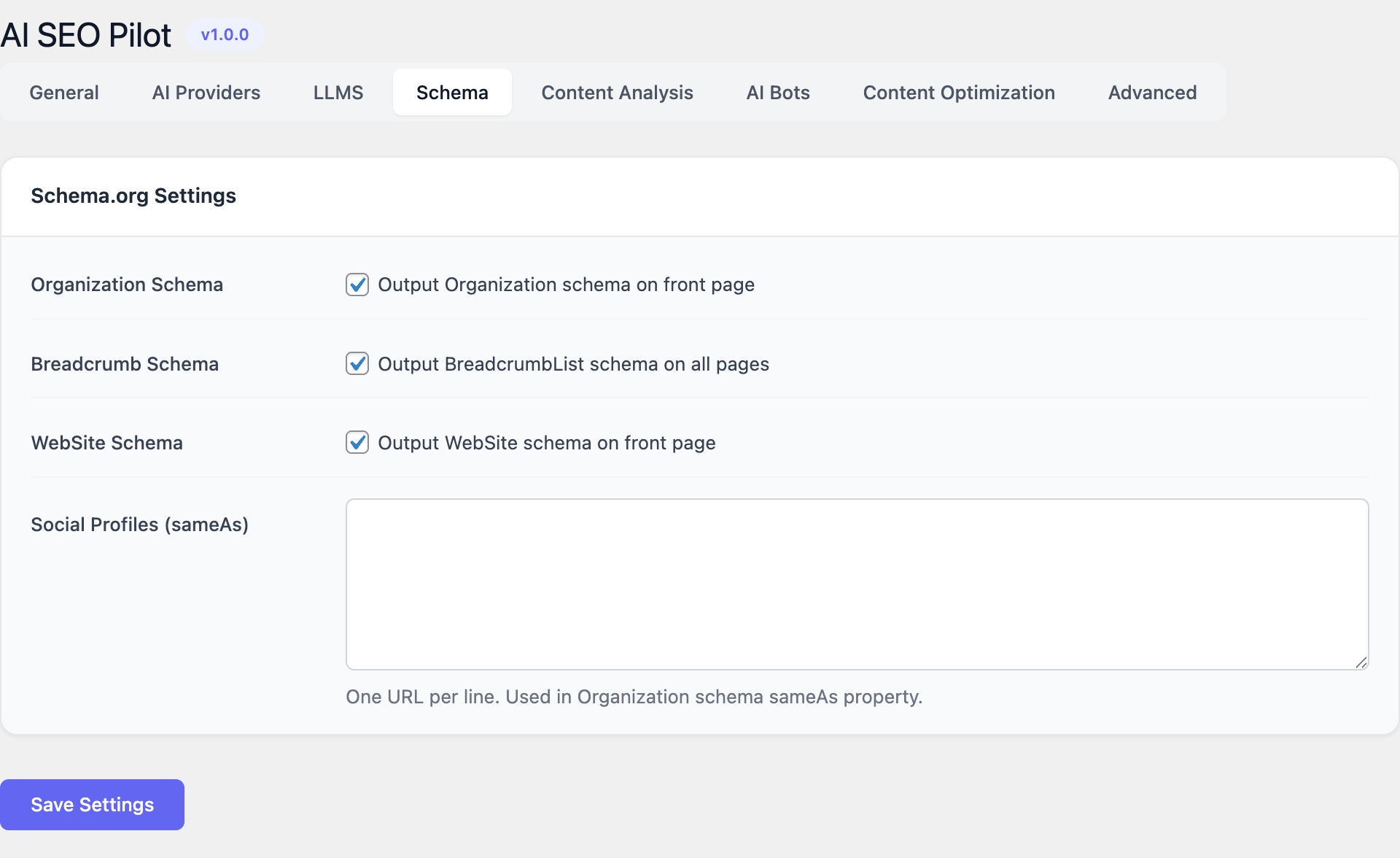
Automatically inject Organization, Breadcrumb, and WebSite schema markup. Add social profile links (sameAs) for brand entity recognition by AI systems.
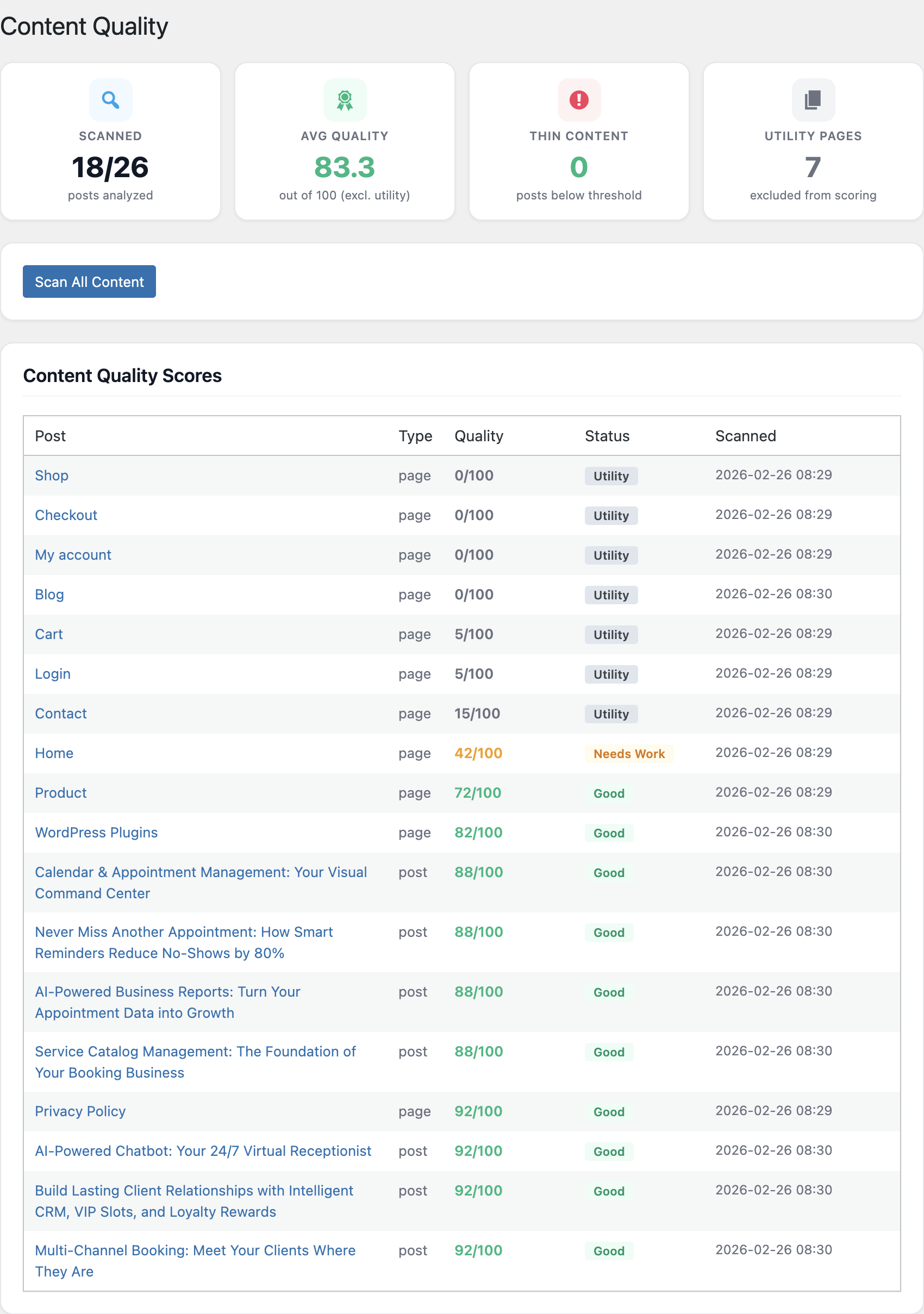
Content Quality Scoring
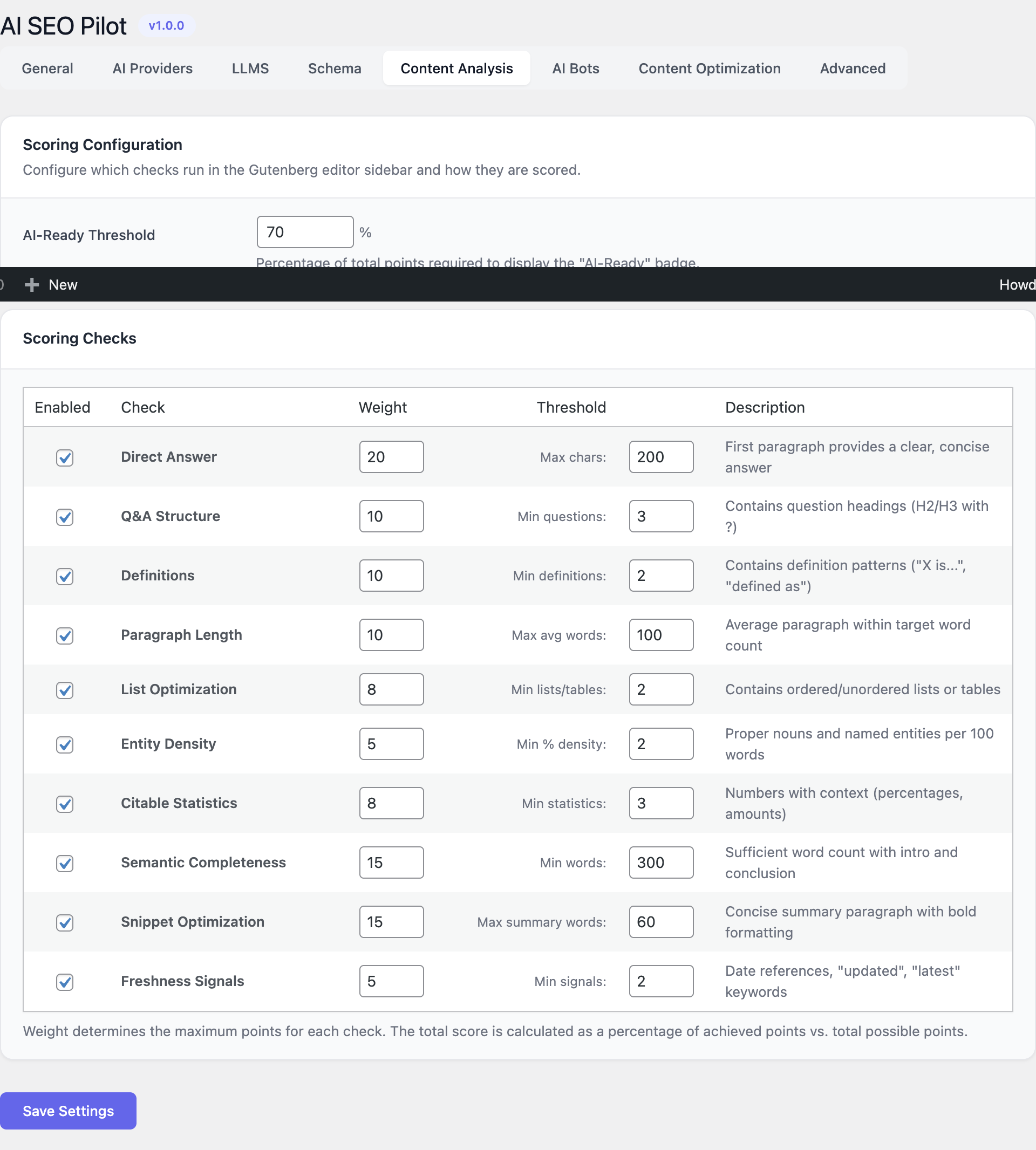
Score every post/page on a 0-100 scale across 10 checks: Direct Answers, Q&A Structure, Definitions, Paragraph Length, Lists, Entity Density, Citable Statistics, Semantic Completeness, Snippet Optimization, and Freshness Signals.
AI Bot Tracking
Monitor which AI bots crawl your site: GPTBot, ClaudeBot, PerplexityBot, GoogleOther, and more. View 30-day analytics with daily averages, top bots, and crawl health scores.
Keyword Management
Track focus keywords across your content. Detect keyword cannibalization — when multiple pages compete for the same keyword — and get recommendations to resolve conflicts.
AI Content Optimization
Get AI-powered suggestions to improve your content's readability, add missing structured elements, enhance entity density, and optimize for featured snippet formats.
Admin Interface
Configuration Guide
General Settings
Navigate to AI SEO Pilot → Settings → General tab to get started. Enter your license key to activate the plugin. Toggle the features you need: Schema.org markup, Content Analyzer, AI Visibility tracking, and AI Sitemap generation.
AI Provider Setup
Go to Settings → AI Providers tab. Choose your preferred AI provider: OpenAI, Anthropic, Ollama, or DeepSeek. Enter your API key and select the model you want to use. Click Test Connection to verify everything is working correctly.
Content Analysis Configuration
Under Settings → Content Analysis tab, set the AI-Ready Threshold (0-100%) that determines the minimum quality score for your content. Configure each of the 10 scoring checks individually — each has an enable/disable toggle, a weight value (0-20), and a threshold setting. Choose a default tone: Authoritative, Conversational, Technical, or Simplified.
llms.txt Configuration
In the Settings → LLMS tab, choose your generation mode: Auto-generate creates the llms.txt from your site content automatically, or switch to Manual mode to write custom llms.txt content directly in the textarea editor.
Schema Markup
Under Settings → Schema tab, enable the schema types you need: Organization, Breadcrumb, and WebSite schemas. Add your social profile URLs for the sameAs property, which helps AI systems recognize your brand entity across platforms.
AI Bot Tracking
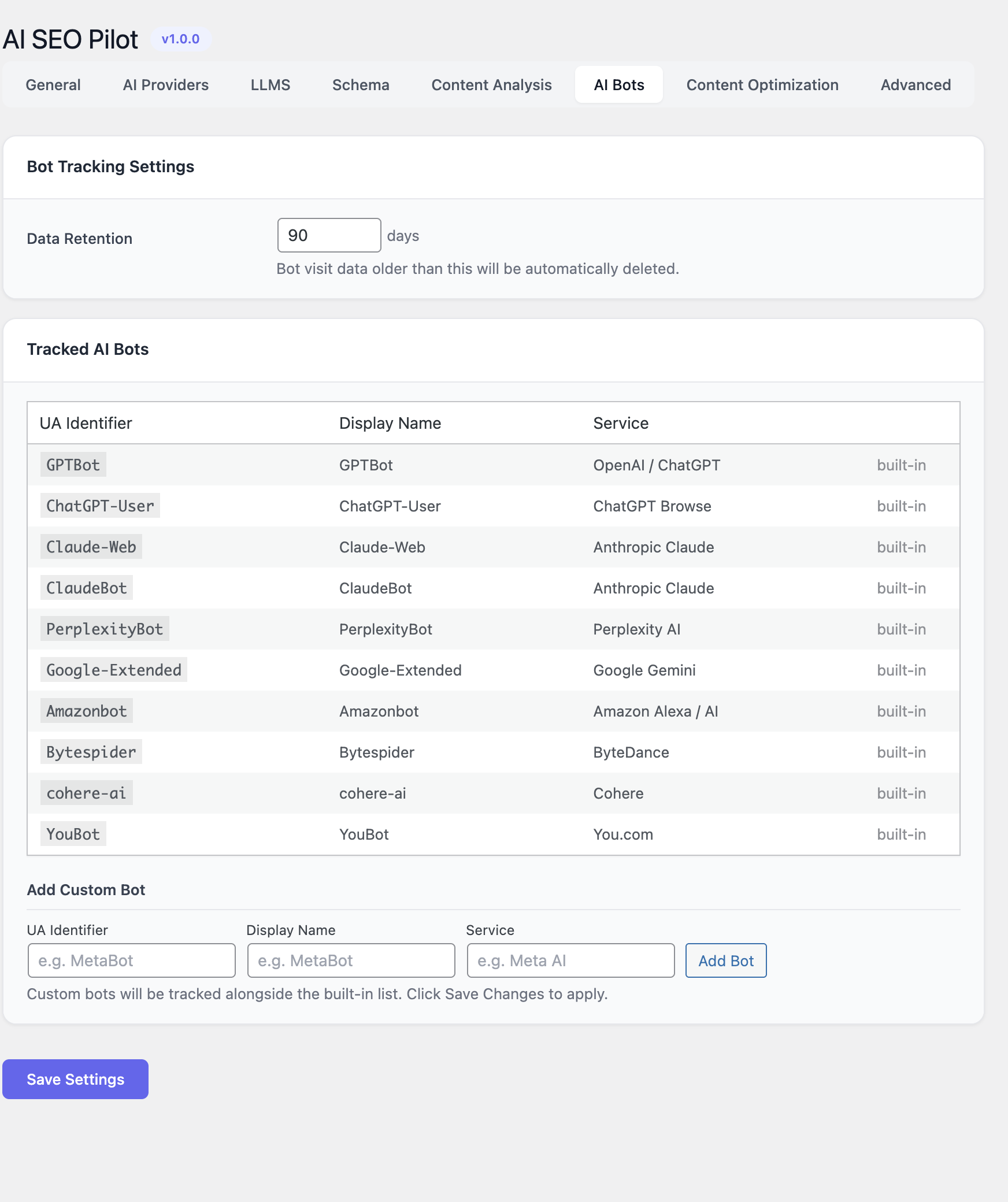
In the Settings → AI Bots tab, set your preferred data retention period (7-365 days). The plugin comes with built-in tracking for all major AI bots. You can also add custom bots by specifying a User-Agent identifier, display name, and service name.
Getting Started
Follow these steps to get up and running with AI SEO Pilot:
- Install and activate AI SEO Pilot.
- Go to AI SEO Pilot → Settings → General and enable the features you need.
- Configure an AI provider in the AI Providers tab for content analysis.
- Visit AI SEO Pilot → Dashboard to see your site's AI-readiness overview.
- Run a content quality scan from the Content Quality page to score all posts.
- Add focus keywords to your posts via the post editor meta box.
- Check the AI Bots tab regularly to monitor which AI engines crawl your site.
Requirements
- WordPress 6.0+, PHP 7.4+
- At least one AI provider API key for content analysis features
Ready for the AI Search Revolution?
Make your WordPress content discoverable by the next generation of search engines.